What Is a Soccer Foot Tracker and How Does It Improve Youth Training?
Key takeaways
- Foot trackers use IMUs to measure shots, sprints, foot balance and training load.
- They give coaches objective records that video and eyesight alone cannot provide.
- Rollout is simple: assign sensors, run one normal session, review weekly.
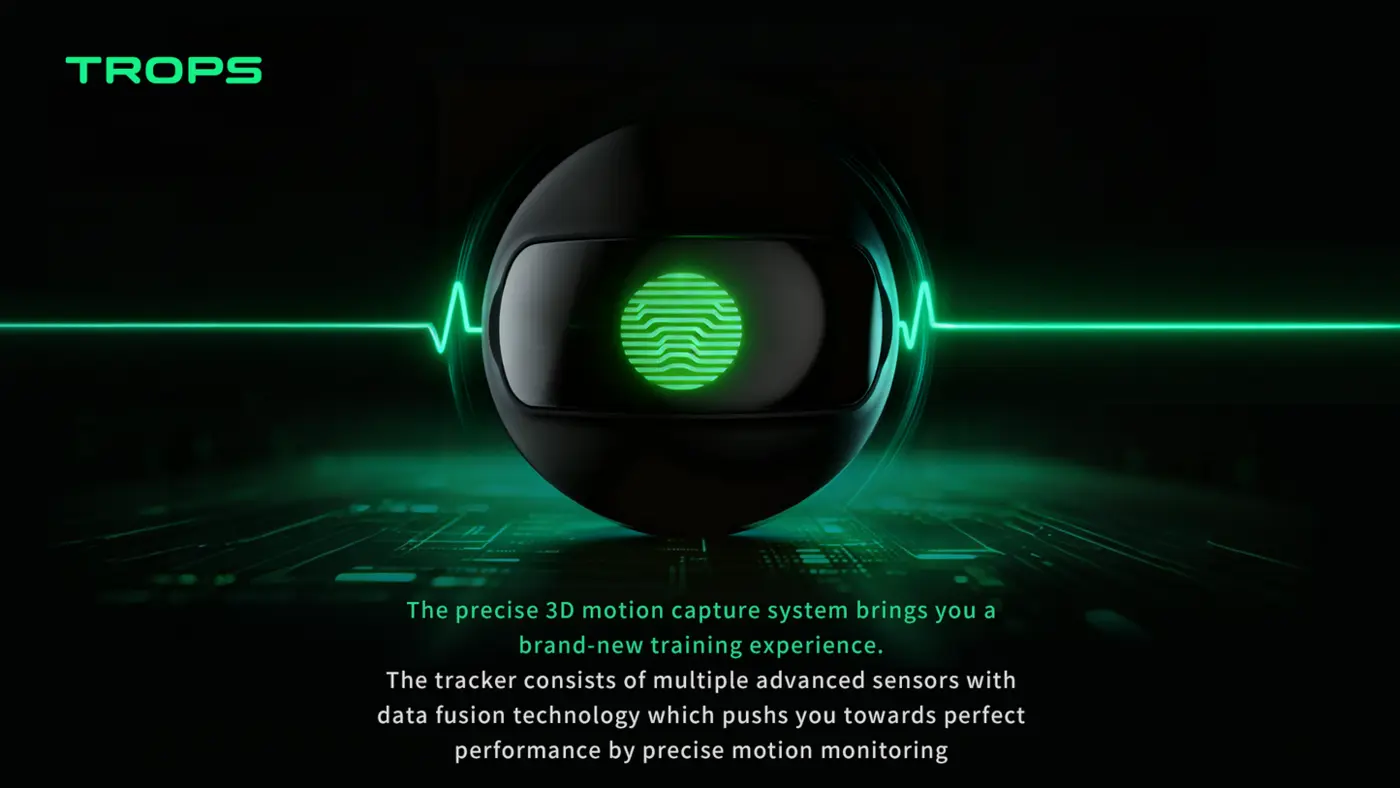
A soccer foot tracker is a lightweight wearable sensor worn at the ankle. Inside is a high-frequency IMU (accelerometer + gyroscope) that captures the player’s foot motion in three dimensions — every touch, shot, sprint and change of direction.
For coaches and academy directors, the value is not the sensor itself but the feedback loop it creates: measure a session, review the numbers, adjust the next session. This guide explains what the data looks like in practice, how to introduce trackers without disrupting training, and where foot-worn sensors fit alongside other tools such as GPS vests and video.
What Does It Measure?
- Shot & strike quality — impact force, technique and foot used
- Sprint metrics — top speed, sprint count, accelerations
- Foot balance — left/right usage to spot weak-foot gaps
- Training load — volume and intensity for fatigue management
On a device like the TROPS-1, these metrics come from a 9-axis IMU sampling at high-rate — fast enough to capture the short, sharp events that define football movement, such as the moment of ball contact or the first two steps of an acceleration. The sensor weighs 25 g, runs on a rechargeable battery (capacity and runtime in the datasheet), connects over Bluetooth 5.0 and carries an IP66 rating, so it suits outdoor sessions in wet conditions. It fits at the ankle and works with iOS and Android.
Beyond the four headline categories, the same data stream supports distance, acceleration and deceleration counts, and a training-load score. If you want a deeper explanation of how these metrics are derived, see the science behind 3D motion capture in football.
Why Youth Academies Care
Youth development benefits from objective measurement. Trackers give coaches data to support decisions — from drill design to squad promotion — and give parents visible progress. Unlike video analysis, wearable sensors work in any session, in any weather, with zero camera setup.
There is a second, quieter benefit: consistency. A coach’s eye is excellent at spotting the obvious — the player who never uses their left foot, the one who fades in the last ten minutes. It is much weaker at comparing this week to last month across a squad of thirty. A foot tracker turns those impressions into a record you can revisit. For a broader view of how clubs at different levels apply this, read how wearables help academies develop players.
Foot balance: the metric coaches use first
Left/right usage is often the quickest win in youth football. A simple weekly routine works well:
- Record a normal training week with no instructions to players.
- Review each player’s left/right touch split on the team dashboard.
- Design one small-sided game or drill that forces touches on the weaker foot.
- Re-record the same session type two to three weeks later and compare.
Keep the comparison like-for-like: same drill, similar duration, similar intensity. Otherwise you are measuring the session, not the player.
Training load: planning, not policing
Load data is most useful as a planning input. If a squad’s sprint counts spike midweek, a coach can trim the next session rather than discover the problem through dropped performance on match day. Load monitoring is a management tool, not a diagnosis — always combine it with what you see and what players report. Our article on training load monitoring covers the practical side in more detail.
Is It Hard to Set Up?
No. Players clip the sensor on, it syncs via Bluetooth, and coaches read reports on the team dashboard. A typical academy deploys a full squad kit in a single training day.
In practice, the rollout looks like this:
- Assign sensors to players — a fixed pairing avoids mix-ups and keeps each player’s history clean.
- Brief players in two minutes — where it goes, when to put it on, when to take it off.
- Run one normal session — no changes to the plan; just capture a baseline.
- Review the dashboard together — coaches first, then a short player-facing summary.
- Set a weekly review slot — fifteen minutes is enough to spot trends.
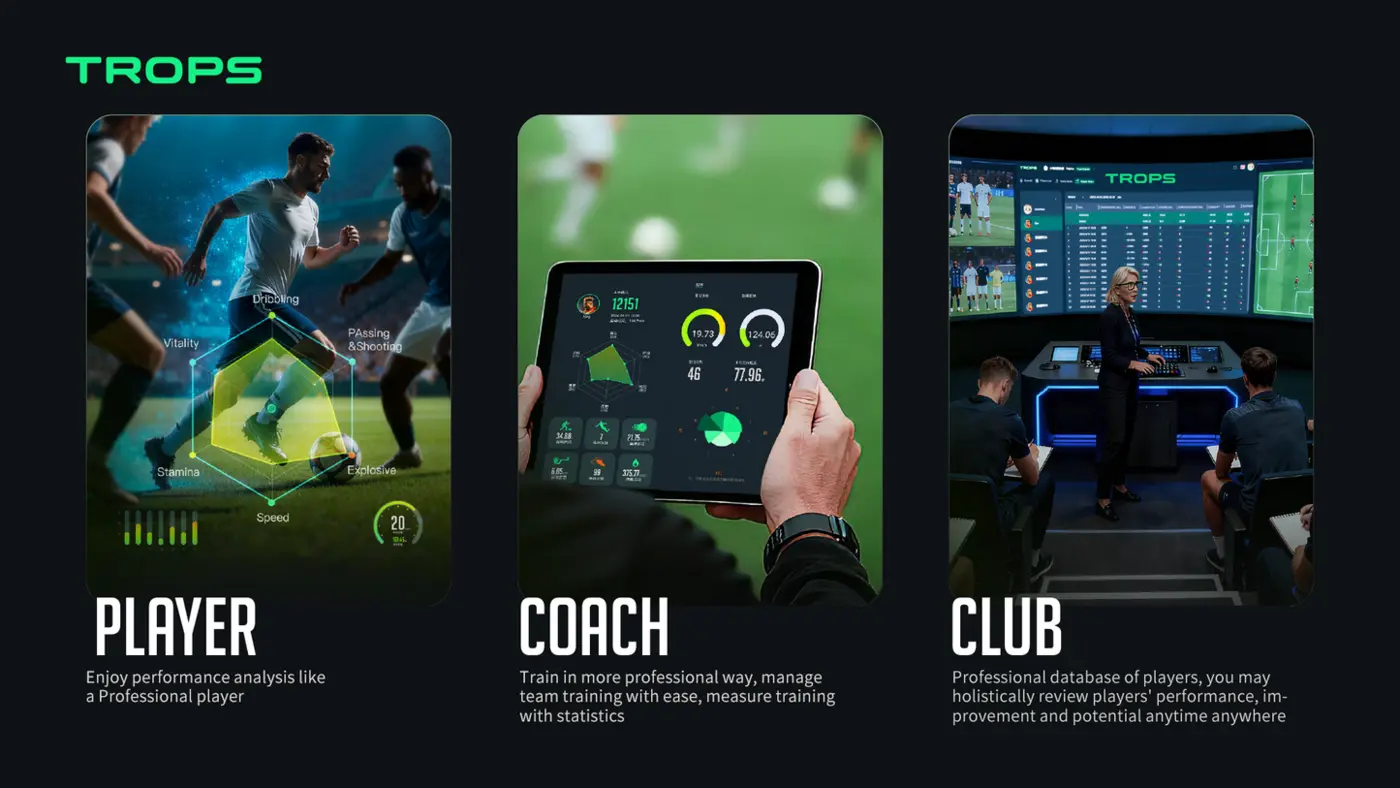
The Team Platform handles per-player and per-team reports, technical KPIs, load and trends, with video sync so clips can be matched to the numbers. If you are comparing device types before committing, this comparison of GPS, IMU and optical systems is a useful starting point.
Common Mistakes When Introducing Foot Trackers
- Measuring everything at once. Pick one or two metrics per training block — foot balance, then sprint counts — and ignore the rest until those are understood.
- Changing the drill and the measurement together. If you alter the session and the metric in the same week, you cannot tell which caused the change.
- Treating load as a verdict. A high number is a question, not a conclusion. Ask the player how they feel.
- Forgetting charging and pairing routines. A dead sensor mid-session is the most common operational failure. Assign a staff member to check batteries before each session.
- Sharing raw dashboards with parents. Translate the data into plain language: touches, weaker-foot progress, attendance and effort trends.
Practical Scenarios
Scenario 1: A grassroots club with one team
Start with a single squad and a fixed weekly review. The goal in the first month is habit, not insight. Once coaches are comfortable reading the dashboard, add a second team. Clubs on a tight budget can follow the staged approach in small-club budget soccer tracking.
Scenario 2: A school programme
Schools often value participation and progress over performance. Foot balance and distance covered are easy to explain to students and parents, and the session-to-session format fits a PE timetable. See player tracking for school football programmes for a term-based structure.
Scenario 3: A distributor or brand
If you are evaluating supply, the questions are different: MOQ, firmware stability, app support and onboarding. Samples start at 10 units and OEM orders at 100 units. The supplier selection guide and the distributor opportunity overview cover what to check before committing.
Where Foot Trackers Fit Alongside Other Tools
Foot-worn IMU sensors are strong at contact events — touches, strikes, foot choice — and at capturing movement in any weather without camera setup. GPS vests are strong at whole-body running metrics over larger areas. Video is strong at tactical context. Many academies use a combination, with the foot tracker as the everyday training tool and video for review sessions. The GPS vest vs camera analysis article explains the trade-offs.
What to Check Before You Buy
- Does the sensor sit comfortably at the ankle at 25 g?
- Is the battery life enough for your longest training day, including travel?
- Is the IP66 rating adequate for your climate and pitch conditions?
- Does the platform give per-player and per-team reports your coaches will actually read?
- Is onboarding included, and how long does it take to get a full squad running?
- Are certification documentation certifications in place for your market?
For a structured checklist, see the buying guide for football data tracking equipment. If you are running a first trial, the pilot programme guide walks through a low-risk rollout.
Frequently Asked Questions
Do players need to change their socks?
No. The sensor attaches to the ankle the player already wears.
Can it be used indoors?
Yes. Because the IMU measures motion rather than position, it works in sports halls and on small-sided pitches.
How many sensors does an academy need?
One per player in the squad you are tracking. The Academy Bundle is designed for 10–100+ players and includes sensors, platform access and onboarding.
What happens to the data?
It syncs to the cloud dashboard, where coaches can view per-player and per-team reports, trends and video-synced clips.
Next Steps
Start small: one squad, one metric, one weekly review. Once the routine holds, expand. Explore the TROPS-1, the Team Platform and the Academy Bundle to see how the pieces fit together.
Interested in equipping your academy? Contact our export team for a tailored quote.
Recommended for your program
Frequently asked questions
What does a soccer foot tracker actually measure?
It captures shot and strike quality, sprint metrics like top speed and accelerations, left/right foot balance, and training load for fatigue management. The TROPS-1 uses a 9-axis IMU sampling at high-rate, which is fast enough to catch ball contact and the first steps of an acceleration.
How hard is it to set up foot trackers for a squad?
Not hard. Players clip the sensor on, it syncs over Bluetooth, and coaches read reports on the team dashboard. A typical academy can deploy a full squad kit in a single training day. Assign fixed sensors to players, brief them in two minutes, run one normal session for a baseline, then set a weekly review slot.
What is the quickest metric for a youth coach to start with?
Foot balance. Record a normal training week with no instructions, review each player's left/right touch split, design one drill forcing weaker-foot touches, then re-record the same session type two to three weeks later. Keep the comparison like-for-like so you measure the player, not the session.
What should a distributor check before committing to a supplier?
The questions differ from a coach's: MOQ, firmware stability, app support and onboarding. Samples start at 10 units and OEM at 100. Comparing device types first, such as GPS, IMU and optical systems, is a useful starting point before committing to foot-worn sensors.
Need help choosing the right equipment?
Talk to Our Export TeamRelated Reading
How Wearable Sensors Help Football Academies Develop Players Faster
How football academies use wearable sensors to give objective technical feedback, manage load and fatigue, communicate with parents, and scale player development across squads.
Read →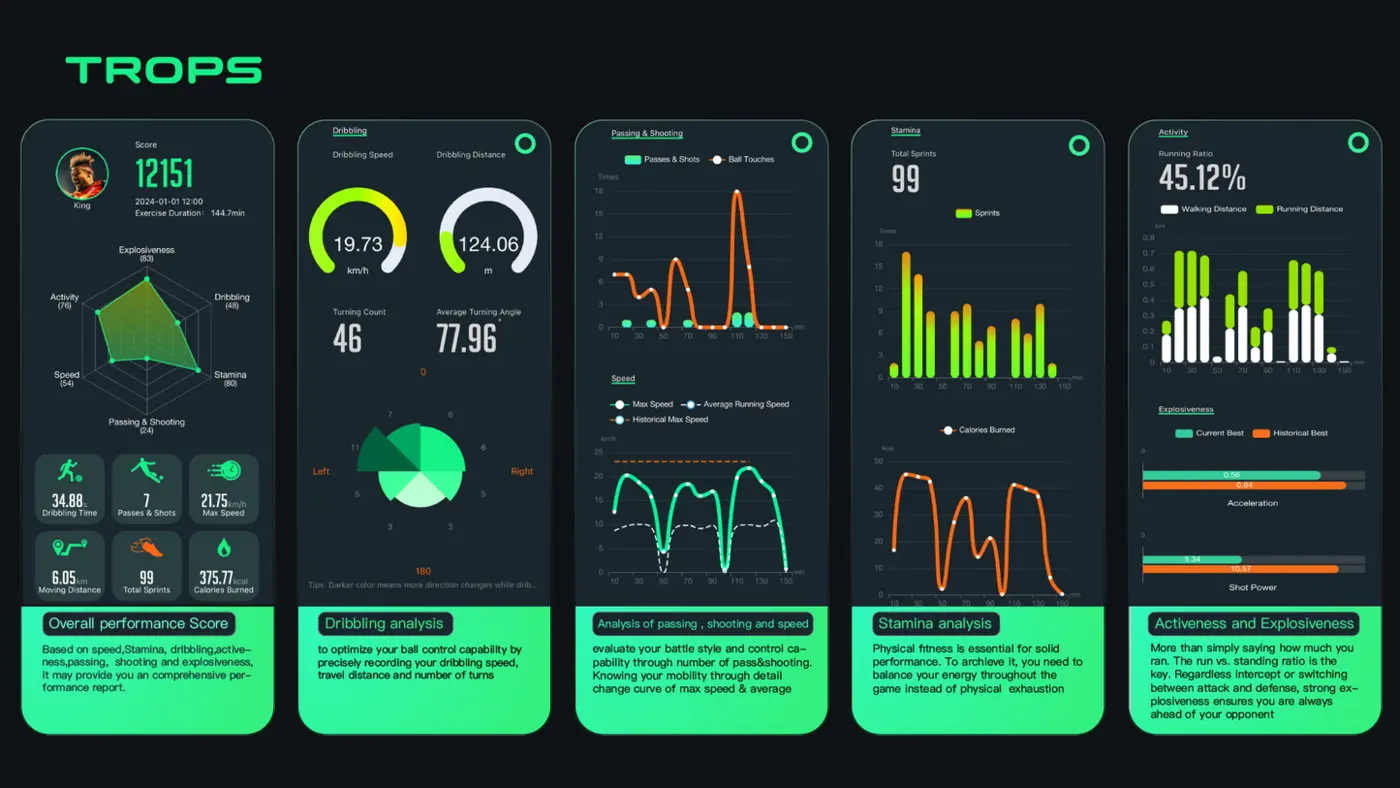
Buying Guide: What to Look for in Football Data Tracking Equipment
A practical buying guide for academies, schools, clubs and distributors comparing football data tracking wearables — accuracy, battery, durability, software, MOQ and support.
Read →
How to Choose a Wearable Supplier: MOQ, OEM and After-Sales Support
A practical guide for distributors, academies and schools on choosing a football wearable supplier: MOQ tiers, OEM scope, QC, after-sales and regional protection.
Read →