School Football Programs: How Player Tracking Improves PE Classes and School Teams
Key takeaways
- One tracker set serves both PE classes and school teams, with class and team data kept separate.
- PE compares students to their own past sessions, never to each other, to stay inclusive.
- Coaches use load, sprint and technical data for conversation, not as a medical tool.
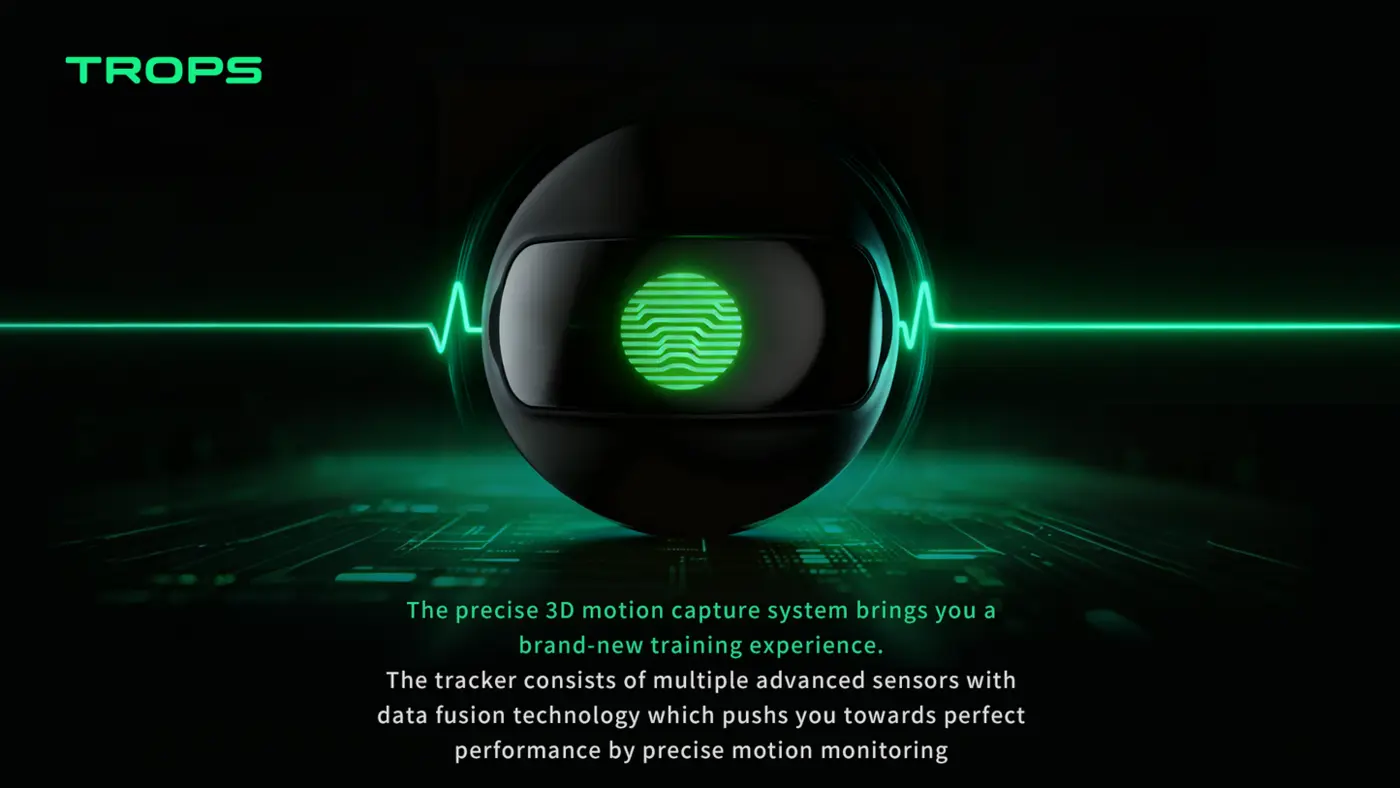
School football programs face a challenge that academies do not: they serve everyone, from first-time players to elite school team athletes. Wearable tracking technology helps schools manage that range with one simple tool. The same device that gives a nervous Year 7 student a personal goal in PE can give a school team coach the load data needed to protect players during a crowded fixture and exam calendar.
This guide is written for PE departments, school team coaches, academy directors evaluating school partnerships, and distributors supporting the education sector. It covers how tracking fits into lessons, how to build a data culture that lasts beyond the novelty phase, what to look for in hardware and software, and the practical steps and mistakes that decide whether a rollout succeeds.
From PE Class to School Team
In PE classes, a football tracker turns a generic lesson into a personal challenge — students see their own distance and sprint numbers improve week by week. For the school team, the same devices give the coach training load data to protect players during busy exam-season schedules.
The key design principle is that PE and school team use are not separate projects. They are two ends of the same spectrum, and a single set of trackers should serve both without the data becoming muddled. That is why multi-team support and clean separation of class groups matter so much in a school setting.
A practical PE lesson flow
A 40-minute lesson leaves little room for setup. A workable routine looks like this:
- Before the lesson (2–3 minutes): hand out trackers by group, confirm each device is charged and assigned to the correct class in the platform.
- Warm-up (5 minutes): students wear the tracker in a ankle holder and complete a standard warm-up so the session starts with comparable data.
- Main activity (20–25 minutes): small-sided games or skill circuits. The tracker captures touches, sprints, distance and left/right foot balance without the teacher operating anything mid-session.
- Cool-down and review (5–8 minutes): collect devices, then show one simple chart on a screen or tablet. Students note their own number — distance, sprints, touches — and set a target for next week.
Notice what is missing: no individual ranking, no public leaderboard of the "best" player. The comparison is always the student against their own previous session. That single rule keeps PE inclusive and keeps weaker or less confident students engaged rather than exposed.
How school team coaches use the same data
For the school team, the useful metrics are different. Coaches typically focus on:
- Training load trends across the week, especially around exam periods, cup ties and tournament weekends.
- Sprint counts and top speed to check whether speed sessions are actually producing high-speed work.
- Acceleration and deceleration counts, which reflect the stop-start demands of small-sided games and match play.
- Technical KPIs such as touches, shots and strike quality, plus left/right foot balance for development planning.
Load monitoring is not a medical tool and should not be presented as one. Its practical value is conversation: a coach can see that a player's load spiked after three matches in six days and adjust the next session accordingly. For a deeper look at the principles, see our guide to training load monitoring and injury prevention.
Building a School Sports Data Culture
Schools that publish simple, visual reports build something powerful: a data culture. Students compare their own progress (not each other's), parents see objective effort, and administrators get evidence for funding decisions. A single set of trackers can serve dozens of classes and teams across the school year.
Data culture does not come from buying devices. It comes from a small number of repeatable habits. In schools that sustain tracking beyond the first term, three habits tend to appear:
1. A fixed review moment
Pick one point in the week — end of lesson, Friday team meeting, start of the next session — when data is looked at for a few minutes. Short and frequent beats long and occasional. A single chart per group is enough.
2. A shared language
Agree on a handful of terms everyone uses: "touches", "sprints", "load", "top speed". When PE teachers, team coaches and students use the same words, reports become readable across the school rather than being locked inside one department.
3. Reports that travel
Simple, exportable reports let the same numbers serve three audiences: students for motivation, parents for objective effort, and administrators for evidence when budgets are discussed. A visual one-page summary per group is usually more persuasive than a dense spreadsheet.
Common mistakes in school rollouts
- Tracking too many metrics too soon. Start with two or three numbers per group and add more once the routine is stable.
- Publishing rankings. It undermines the inclusive purpose of PE and discourages the students who most need encouragement.
- Mixing class and team data. Without proper group separation, reports become unreliable and staff stop trusting them.
- Buying without a setup plan. If devices cannot be distributed and assigned inside a few minutes, teachers will quietly stop using them.
- No owner. One named person — often a head of PE or a sports coordinator — should be responsible for charging, assignment and reporting.
What Schools Should Look For
Choose a system that is easy to set up before a 40-minute lesson, with multi-team support so different classes do not mix data, and simple exportable reports. Battery life matters — a school day is longer than a training session.
Beyond those core requirements, a practical checklist for school buyers:
- Wearable format: foot-worn sensors in a ankle holder are quick to put on and stay in place during games. The TROPS-1 is a 25 g foot-worn sensor with a 9-axis IMU sampling at high-rate, Bluetooth 5.0 and IP66 protection.
- Battery: the S1 uses a rechargeable battery (capacity in the datasheet) — enough to cover multiple lessons or a full school sports day, provided charging is part of the daily routine.
- Device compatibility: iOS and Android cover the tablets and phones schools typically already own.
- Compliance: certification documentation markings simplify procurement and parent communication.
- Software: a cloud dashboard with per-player and per-team reports, technical KPIs, load and trend views, and video sync. The RunSports Team Platform is built around exactly this structure.
- Scalability: the Academy Bundle pairs sensors, platform and onboarding for groups of 10 to 100+ players, which maps well onto a department or a whole-school rollout.
- Support and onboarding: ask how staff training is delivered and who answers questions in week one, when usage is most fragile.
For a broader comparison of device categories and specifications, the buying guide for football data tracking equipment covers the trade-offs in more detail.
Case Study: District PE Programs
School districts that pilot tracking in one or two schools usually expand district-wide within a year. See how a district PE program rollout works in practice, or ask us for a school-specific quote.
The pattern behind that expansion is consistent. A pilot school proves the routine: devices are charged, lessons run, reports are shared. Once colleagues in other schools see a one-page report and hear how little time it takes, the question changes from "should we try this?" to "how many sets do we need?". Districts that plan the pilot with expansion in mind — same platform, same group structure, same reporting template — find the second and third school far easier than the first.
A sample rollout sequence
- Term 1: pilot in one school with two or three PE classes and one school team. Focus on the setup routine and one report per week.
- Term 2: add a second school or additional year groups. Standardise group naming and the reporting template.
- Term 3: review with administrators using exported reports, then plan device quantities for the next academic year.
Distributors supporting schools can use the same sequence as a conversation framework with procurement teams. Our article on the football wearable distributor opportunity outlines how pilot-led selling works in this sector, and the pilot program guide covers structuring a first trial. Minimum order quantities are 10 units for samples and 100 units for OEM.
Frequently asked questions from schools
How many trackers does a school need?
Size the first set around the largest single group you will track at once — often one or two PE classes, or a full school team squad. Sharing across groups works well when the platform keeps class data separate.
Do students need their own phones?
No. A shared school tablet or coach device is usually the practical approach, with the platform handling per-player records in the cloud.
Is the data safe to share with parents?
Share individual reports with individual families rather than publishing group comparisons. Simple, objective summaries of effort and progress are generally well received.
What about durability?
Foot-worn sensors take contact from tackles, falls and hard ground. IP66 protection and a secure ankle holder are the basics to insist on; our GPS tracker durability guide explains what else to check.
Next step
Whether you are a PE department starting with one class, a school team coach wanting load visibility, or a distributor building a school offer, the sensible first move is a small, well-planned pilot with a clear review point. Tell us your group sizes and timetable, and we will help you scope a set that fits. Contact the RunSports team to discuss a school-specific quote, or reach us on WhatsApp at +86 180 2288 2382.
Recommended for your program
Frequently asked questions
How can a PE teacher fit player tracking into a 40-minute lesson?
The article suggests a routine: 2–3 minutes before class to hand out and assign trackers, a 5-minute standard warm-up, 20–25 minutes of small-sided games or circuits with no mid-session operation, then 5–8 minutes to collect devices and review one simple chart with students.
Should schools publish leaderboards or rankings of students?
No. The article lists publishing rankings as a common rollout mistake because it undermines the inclusive purpose of PE and discourages the students who most need encouragement. Instead, each student compares their own numbers with their previous session and sets a personal target for next week.
What metrics do school team coaches focus on with the same trackers?
Coaches typically track training load trends across the week, especially around exams and fixtures; sprint counts and top speed; acceleration and deceleration counts; and technical KPIs such as touches, shots, strike quality and left/right foot balance for development planning.
What should schools look for when choosing a tracking system?
Look for easy setup before a 40-minute lesson, multi-team support so different classes do not mix data, simple exportable reports, and battery life that lasts a school day. Foot-worn sensors in a ankle holder are quick to put on and stay in place during games.
Need help choosing the right equipment?
Talk to Our Export TeamRelated Reading
What Is a Soccer Foot Tracker and How Does It Improve Youth Training?
A practical guide to soccer foot trackers: how IMU sensors measure shots, sprints and foot balance, and how academies use the data in daily training.
Read →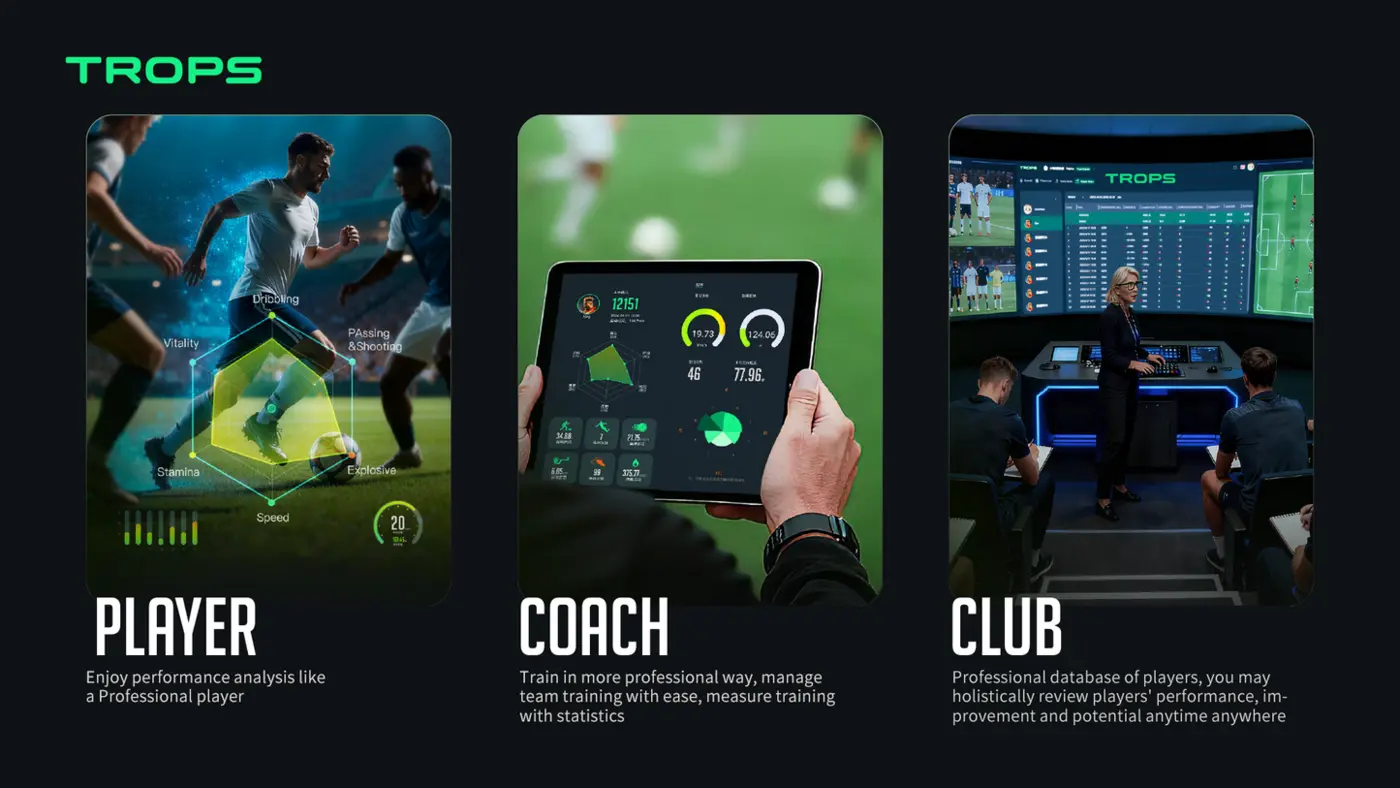
How Wearable Sensors Help Football Academies Develop Players Faster
How football academies use wearable sensors to give objective technical feedback, manage load and fatigue, communicate with parents, and scale player development across squads.
Read →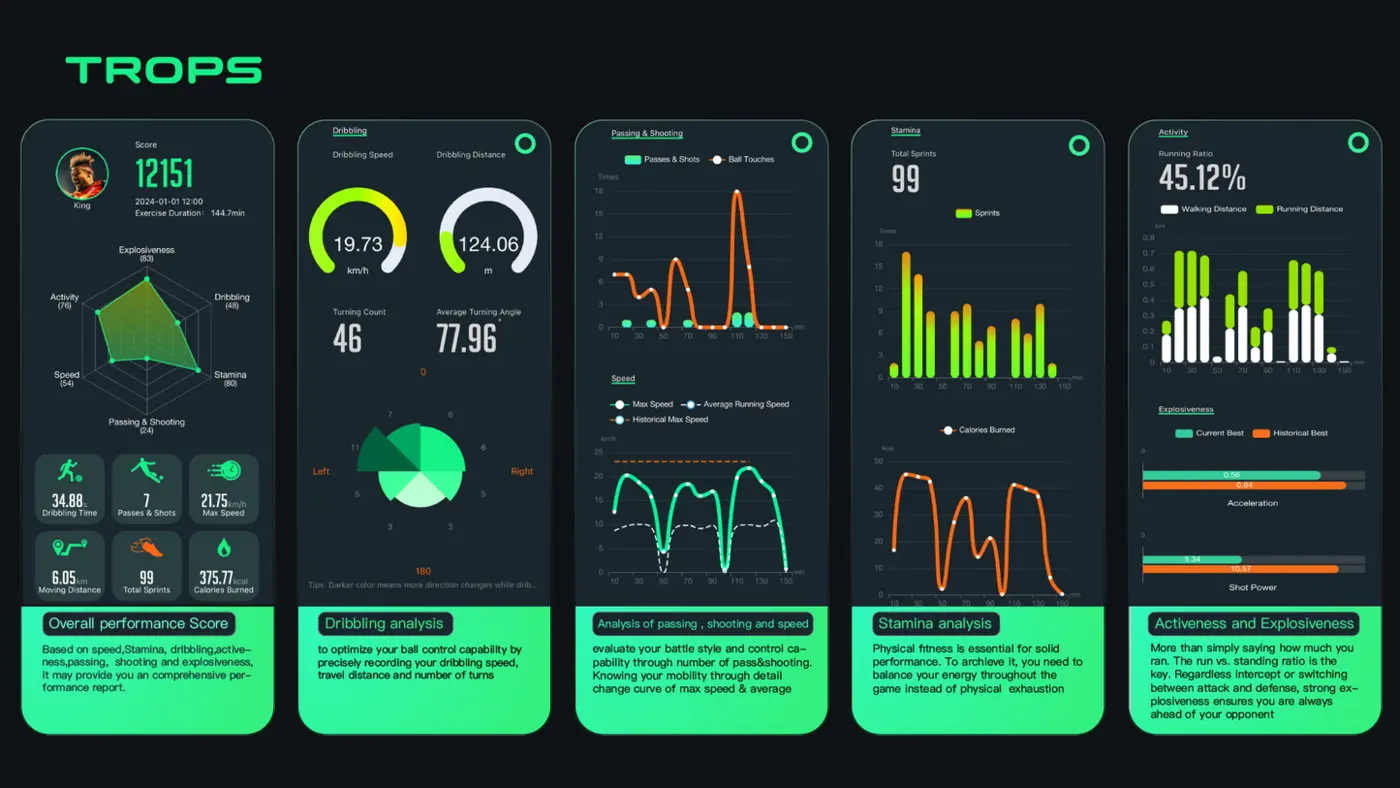
Buying Guide: What to Look for in Football Data Tracking Equipment
A practical buying guide for academies, schools, clubs and distributors comparing football data tracking wearables — accuracy, battery, durability, software, MOQ and support.
Read →