Setting Up a Data-Driven Training Program at Your Club: A 30-Day Plan
Key takeaways
- Pick one squad, one measurable goal, and one pilot lead before touching the kit.
- Collect 4-6 normal sessions as baseline before changing any drills.
- Train at least two staff so sessions run without hardware troubleshooting.
Introducing data-driven training does not require a full digital transformation. You do not need a new analytics department, a rebuilt coaching philosophy or a season-long budget cycle. What you need is a narrow pilot, a clear question and four weeks of discipline. Follow this 30-day plan to move from first unboxing to a staff presentation you can act on.
The plan is written for club coaches, academy directors, school PE leads and distributors supporting a club rollout. It assumes a small wearable setup — for example foot-worn sensors plus a team dashboard — and one squad willing to be the pilot group. If you are still deciding what hardware fits your environment, our buying guide to football data tracking equipment covers the main options before you commit.
Days 1-5: Define the Pilot
Choose one squad and one clear goal — e.g., improve weak-foot usage or quantify sprint volume. Small scope, measurable outcome.
The most common failure in a first pilot is scope creep. A coach sees the dashboard, gets excited, and suddenly the pilot is tracking everything for everyone. Resist that. One squad, one question, one number you will report at the end.
How to pick the right pilot goal
Good pilot goals share three traits: they are visible in training, they are coachable within a month, and they map to a metric the system reports reliably. Examples that work well:
- Weak-foot usage: measure left/right foot balance and touches per session, then design drills that force touches on the weaker side.
- Sprint volume: count sprints and top speed per session to check whether your speed work actually produces sprint exposure.
- Training load consistency: compare weekly load across players to spot the ones who spike or flatline.
- Strike quality: track shots and strike quality in finishing blocks to see whether technique work transfers to session performance.
Write the goal down in one sentence and share it with the squad. Something like: "Over four weeks, we want to raise average weak-foot touches per player per session without reducing total session load." That sentence becomes your Day 30 headline.
Day 1-5 checklist
- Name a pilot lead — usually one coach, not a committee.
- Confirm squad size and session schedule for the next month.
- Agree the single pilot metric and how often you will review it.
- Tell players and parents what is being measured and why. Keep it simple and performance-focused.
- Confirm device sizing and fit across the squad before ordering — ask for a sizing recommendation if you are unsure.
If you are running this in a school or grassroots setting, the guide to running a soccer tracking pilot program walks through the same scoping questions from a programme-management angle.
Days 6-10: Deploy & Train Staff
Unbox the kit, charge everything, assign sensors to players and run one familiarization session. Ensure at least one coach can manage the dashboard.
This week is logistics, not analysis. The goal is that on Day 11, a session can start and finish without anyone troubleshooting hardware.
Practical deployment steps
- Charge and label. Charge every sensor fully and label each unit with a player name or number. Permanent assignment removes a daily admin task and makes trend data easier to trust.
- Test fit. Foot-worn sensors sit in a ankle pocket. Have players wear them for a warm-up before the first tracked session so fit issues surface early.
- Run one familiarization session. Track a normal session and let players see their own numbers afterwards. Novelty drops fast when players understand what is being measured.
- Train at least two staff members. One coach should own the dashboard, but a second person should be able to start sessions, sync data and export a report. Holidays and illness happen.
- Set a data routine. Decide who syncs after each session and where reports live. A five-minute post-session routine beats a heroic catch-up at the end of the month.
Mistakes to avoid in week one
Do not change your session plan because you now have data. Do not present individual numbers to players as judgements. And do not let the dashboard become a coach-only tool — if players never see their own trends, you lose half the motivational value of the pilot.
For teams using the RunSports Team Platform, the cloud dashboard handles per-player and per-team reports, technical KPIs, load trends and video sync, so the staff training session can focus on reading reports rather than building spreadsheets. You can review the platform on the RunSports Team Platform page.
Days 11-20: Collect Baseline Data
Run 4-6 normal training sessions. Do not change drills yet — collect a baseline of current performance.
This is the least glamorous and most important phase. A baseline is only useful if it reflects what you normally do. If you redesign training in week two, you have nothing to compare against in week four.
What to do during baseline collection
- Keep session content as close to normal as possible.
- Track every planned session, including the messy ones. Missed sessions are data too.
- Note context alongside the numbers: weather, pitch surface, squad availability, drill changes.
- Review data weekly but resist the urge to intervene. Observe first.
What to look for in the baseline
You are looking for gaps, not grades. Typical patterns a coach will spot in a first baseline:
- A clear left/right foot imbalance across the squad, or in a handful of players.
- Sprint counts that are lower than the coach assumed during "speed" sessions.
- Wide variation in weekly training load between players in the same squad.
- Players whose touches drop sharply in small-sided games compared with technical drills.
Write these observations down in plain language. "Average weak-foot share is lower in finishing drills than in possession games" is more useful to a coaching meeting than a chart nobody explains.
Days 21-27: Introduce Targeted Work
Design one drill per week around the baseline gap (e.g., weak-foot finishing circuit). Compare weekly metrics.
Now the pilot earns its keep. Pick the clearest gap from your baseline and build one drill around it. One drill, one week, one comparison.
Designing the targeted drill
- Start from the gap. If weak-foot share is low, build a finishing circuit that only allows weak-foot strikes.
- Keep the rest of the session stable. Change one variable so you can attribute any shift.
- Define success before you run it. Example: weak-foot share of total touches rises across the week without a drop in total touches.
- Repeat the drill twice in the week so you have more than a single data point.
Reading the comparison honestly
Four to six baseline sessions and two targeted sessions is a small sample. Treat the comparison as a signal, not proof. Ask three questions: did the metric move in the expected direction, did anything else move unexpectedly, and did the coach see the change with their own eyes? When data and eye test agree, you have something worth scaling.
This is also the week to check load. If the new drill raises sprint volume or acceleration counts sharply, you may want to balance the rest of the week. Our article on training load monitoring explains how to read load trends without overreacting to a single session.
Day 30: Review & Expand
Present the month-over-month report to staff and parents. Decide which squads join the program next.
The Day 30 review is a communication task, not an analytics task. Structure it around four slides or four paragraphs:
- The question: what we set out to learn in week one.
- The baseline: what normal looked like before we changed anything.
- The intervention: the drill we introduced and what moved.
- The decision: what we will keep, change or expand next month.
For parents, keep the language developmental rather than comparative. The message is that training is being planned around what players actually do, not just what coaches assume. For staff, be explicit about the operational cost: who syncs data, how long reporting takes, and what support is needed before a second squad joins.
Choosing the next squad
Expand where the operational load is lowest and the coaching question is clearest. A second squad in the same age group is usually easier than a jump to a different programme. If you are rolling out across a school district or multi-site academy, our school district PE programme case shows how a phased approach looks in practice.
Roles and Responsibilities During the Pilot
A 30-day pilot fails quietly when everyone assumes someone else is syncing the data. Assign three roles explicitly, even if one person wears two hats:
- Pilot lead: owns the goal, the timeline and the Day 30 review.
- Data lead: charges devices, assigns sensors, syncs after sessions and prepares weekly summaries.
- Coaching lead: designs the targeted drill and interprets the numbers alongside the eye test.
Distributors supporting a club through this process can add value by attending the Day 6-10 familiarization session and the Day 30 review. Those two touchpoints often decide whether the club renews or expands. If you are building a reseller or OEM business around club rollouts, the football wearable distributor opportunity article covers MOQ, sampling and support expectations.
Common Pitfalls Across the 30 Days
- Changing drills during baseline. You lose the comparison and the month.
- Tracking too many metrics. Pick one primary metric and two supporting ones.
- No named data owner. Sessions get missed, reports get stale.
- Reporting to parents too late. Share the plan in week one, not just the results in week four.
- Expanding before the routine is stable. A second squad multiplies admin, not just data.
Hardware Notes for a Smooth Rollout
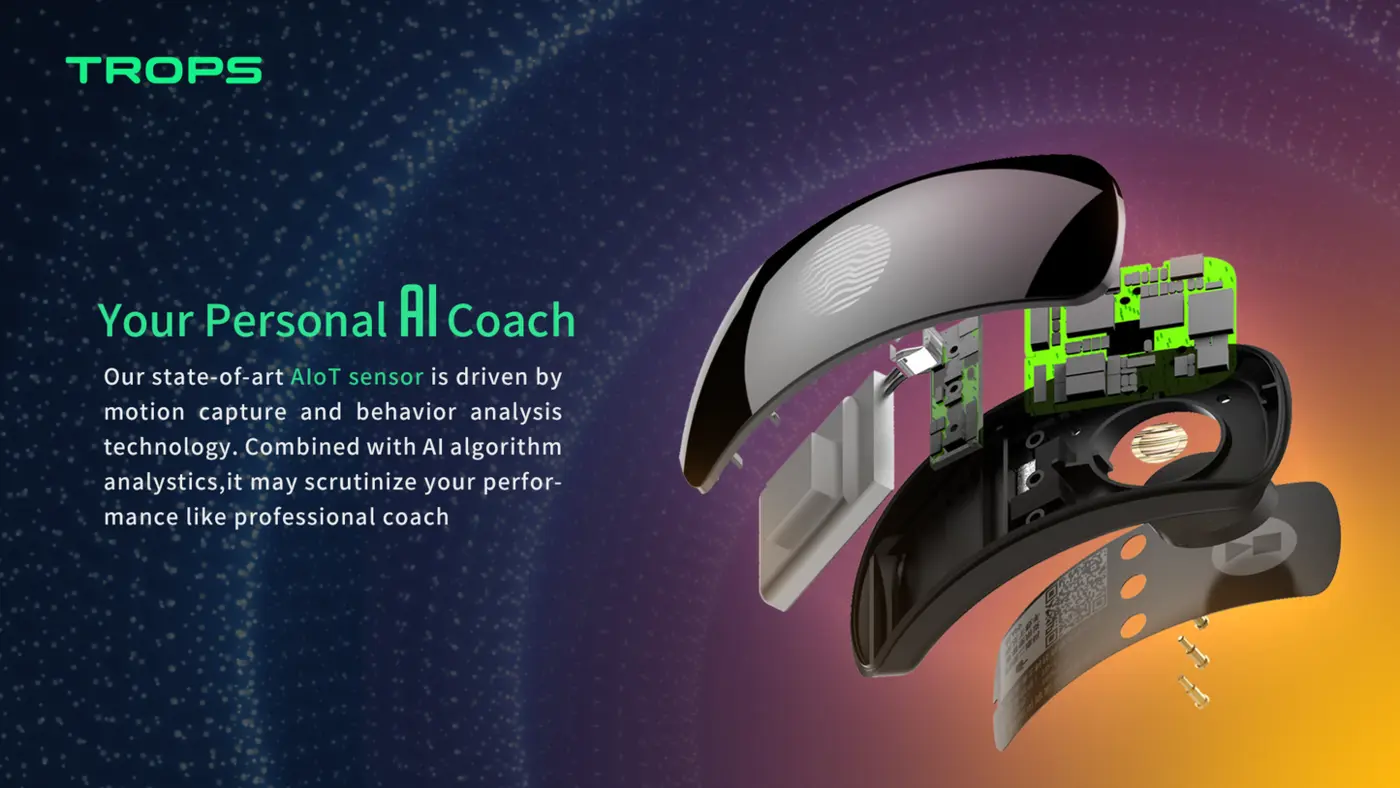
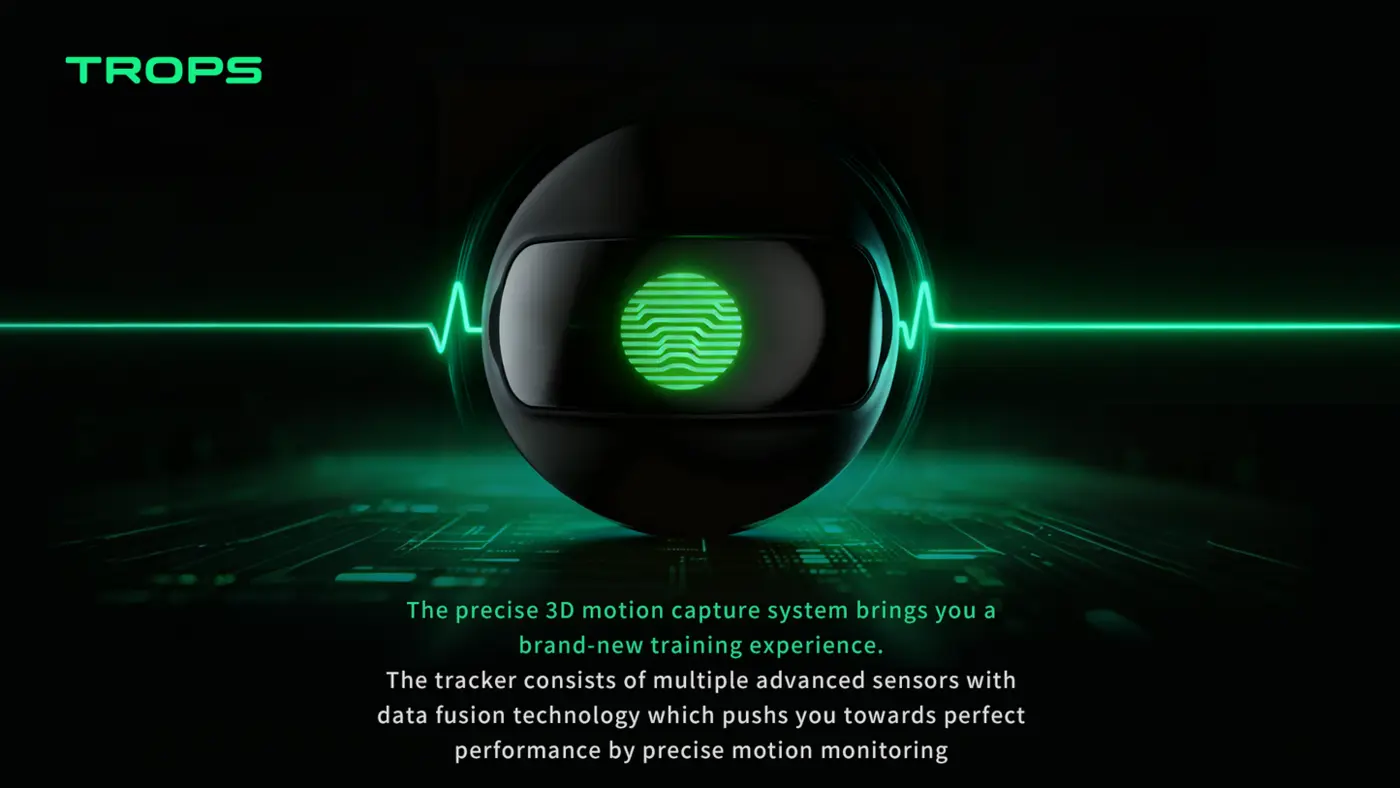
Foot-worn sensors are a practical choice for a first pilot because they capture ball-contact metrics that vest-based GPS units cannot. The TROPS-1 is a 25 g foot-worn sensor with a 9-axis IMU sampling at high-rate, a rechargeable battery (capacity in the datasheet), Bluetooth 5.0 and IP66 protection. It fits in a ankle and works with iOS and Android. It measures touches, shots, strike quality, left/right foot balance, sprints, top speed, distance, acceleration and deceleration, and training load — enough to cover the pilot goals described above. It carries certification documentation certification.
For a deeper look at how foot-worn tracking compares with other approaches, see our explainer on what a soccer foot tracker is and the comparison of GPS, IMU and optical systems.
Our Academy Bundle is designed for exactly this rollout — sensors, platform and onboarding for 10 to 100+ players — see the bundle or ask us for a sizing recommendation. Sample orders start at 10 units, and OEM projects start at 100 units.
Start Your 30 Days
Pick your squad, write your one-sentence goal, and book the Day 30 review before you unbox anything. If you want help scoping the pilot, confirming device fit or planning a multi-squad rollout, contact the RunSports team and we will walk through your setup.
Recommended for your program
Frequently asked questions
What should a club's first data pilot focus on?
Choose one squad and one clear, measurable goal, such as weak-foot usage, sprint volume, training load consistency or strike quality. The article stresses avoiding scope creep: one squad, one question, one number reported at the end. Write the goal in a single sentence and share it with the squad.
How many sessions should we track before changing training?
Run four to six normal training sessions without changing drills, so the baseline reflects what you normally do. Track every planned session, including messy ones, and note context like weather, pitch surface and squad availability. Review weekly but observe first rather than intervening.
How many staff members need dashboard training?
Train at least two staff members. One coach should own the dashboard, but a second person should be able to start sessions, sync data and export a report, since holidays and illness happen. Also set a data routine: decide who syncs after each session and where reports live.
What mistakes should we avoid in the first week of deployment?
Do not change your session plan just because you now have data, and do not present individual numbers to players as judgements. Avoid making the dashboard a coach-only tool; if players never see their own trends, you lose half the motivational value of the pilot.
Need help choosing the right equipment?
Talk to Our Export TeamRelated Reading
What Is a Soccer Foot Tracker and How Does It Improve Youth Training?
A practical guide to soccer foot trackers: how IMU sensors measure shots, sprints and foot balance, and how academies use the data in daily training.
Read →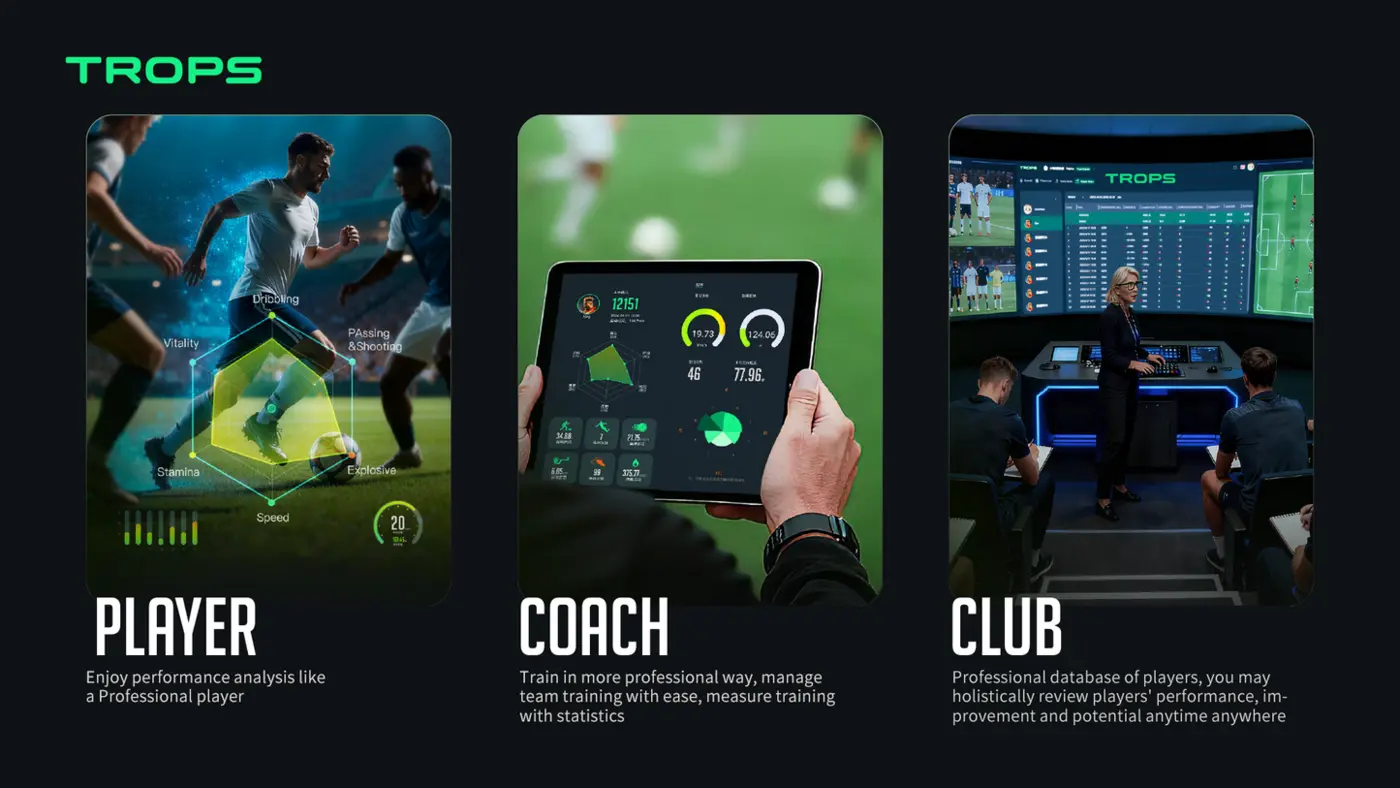
How Wearable Sensors Help Football Academies Develop Players Faster
How football academies use wearable sensors to give objective technical feedback, manage load and fatigue, communicate with parents, and scale player development across squads.
Read →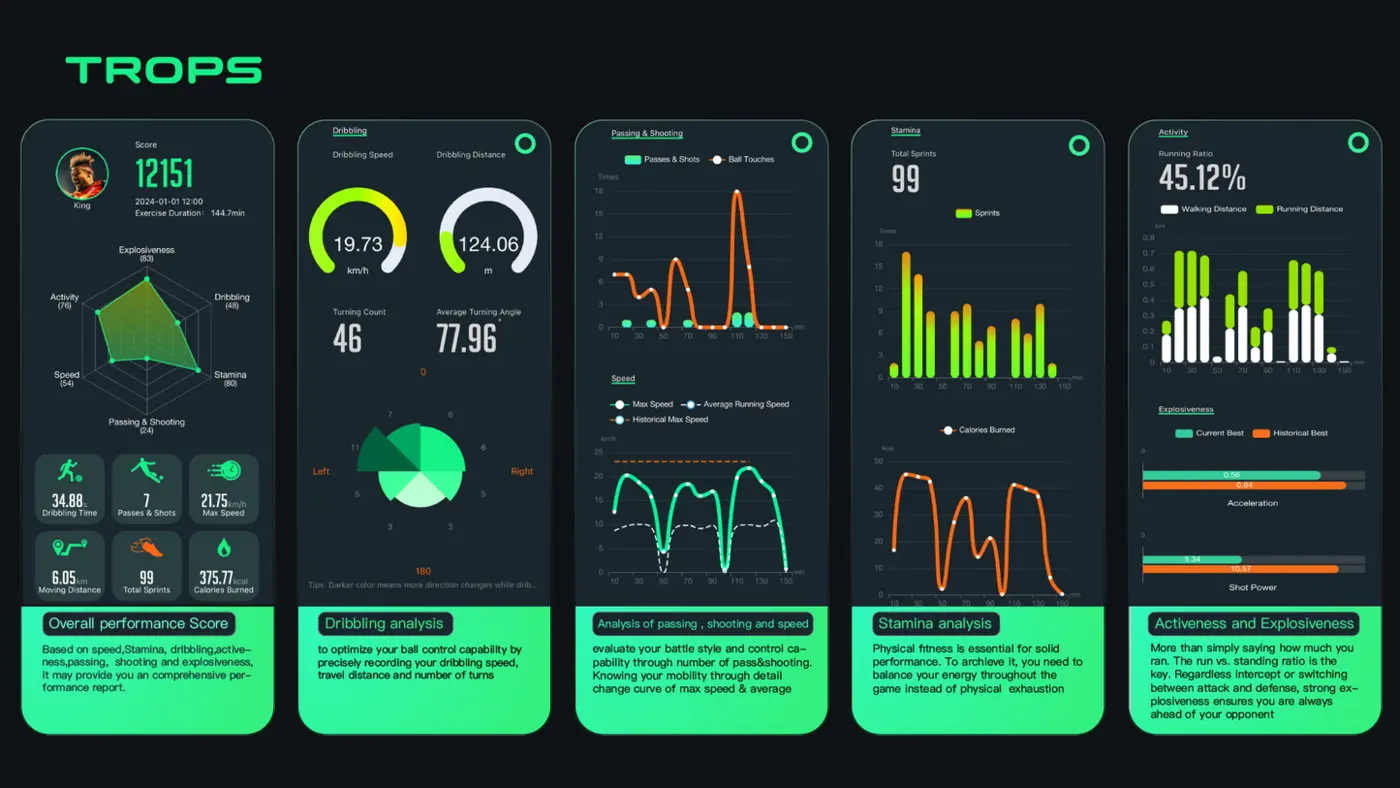
Buying Guide: What to Look for in Football Data Tracking Equipment
A practical buying guide for academies, schools, clubs and distributors comparing football data tracking wearables — accuracy, battery, durability, software, MOQ and support.
Read →