The Coach's Toolkit: Using GPS Data in U12, U15 and U18 Training Sessions
Key takeaways
- Start with one question per month, not a full dashboard of metrics.
- U12: track distance and sprints as personal bests, no leaderboards.
- U15: flag weekly load jumps over 30% above a player's monthly average.
Tracking data is only as useful as the coach using it. The good news: at every youth age group, a few simple numbers improve training sessions immediately. Here is how to use them from U12 to U18 — and how to turn raw numbers into sessions players actually enjoy.
Start With One Question, Not a Dashboard
The most common mistake in youth football tracking is opening a platform, seeing dozens of metrics, and closing it again. Coaches do not need everything at once. Before your first session with trackers, write down the single question you want answered this month. For a U12 coach it might be: "Is every player getting enough touches?" For a U15 coach: "Is anyone's weekly load spiking?" For a U18 coach: "Do our wide players hit sprint speeds that match senior demands?"
One question keeps reports short, keeps feedback positive, and keeps players engaged. You can always add a second question next month. If you are new to the metrics themselves, our overview of the key GPS data metrics in football explains what each number actually measures.
U12: Focus on Effort, Not Performance
At U12, tracking is about participation and fun. Show players their own distance and sprint count as personal challenges — "beat last week's sprint number". Keep reports individual and positive. This builds a healthy relationship with data before performance pressure arrives.
Practical steps for U12 coaches
- Pick two numbers only. Distance covered and sprint count are enough. Resist the urge to compare players publicly.
- Frame everything as a personal best. A player competing against last week's version of themselves learns effort and self-reference; a player competing against the team's fastest learner learns anxiety.
- Use a two-minute huddle. After training, show each player their own card on a tablet. One sentence of feedback per player is plenty.
- Celebrate variety, not just volume. A defender with many touches and a winger with many sprints are both succeeding in different ways.
Mistakes to avoid at U12
Do not publish leaderboards. Do not let numbers decide who starts. Do not send raw reports to parents without context — a short explanation of what the numbers mean prevents misinterpretation. For a broader view of age-appropriate use, see our guide to GPS tracking in youth football development.
U15: Introduce Load Management
At U15, growth spurts make players vulnerable to overuse injuries. This is the age to start watching training load seriously. A simple rule: if a player's weekly load jumps more than 30% over the previous month's average, lighten the week. Trackers make this automatic instead of guesswork.
How to run a weekly load check
- Set a baseline. After three to four weeks of tracking, each player has a personal monthly average. That average is the reference point — not the team average.
- Review before Monday's session. Flag any player whose last week exceeded the 30% threshold, and note why (a tournament, a school sports day, an extra club session).
- Adjust the week, not the player's confidence. Reduce high-speed volume in one session, add technical work, or give a recovery-focused role in small-sided games.
- Record the reason. A short note in the platform turns load data into a shared history the whole coaching team can read.
Load spikes are not automatically a problem — sometimes they reflect a great week of training. The point is to notice them deliberately rather than discover them after a player complains. Our article on training load monitoring goes deeper into the workflow.
U18: Data-Driven Decision Making
At U18, players prepare for senior football. Use data in selection discussions, position-specific sprint profiles, and post-match reviews. Players who learn to read their own numbers become professionals who manage themselves better.
Three conversations data makes easier
- Selection. When two players are close, data gives the conversation structure: who covers more ground in the role, who repeats sprints later in matches, who is consistent week to week.
- Position profiles. Build a simple reference range for each position — sprint count, top speed, distance — and review it with players twice a season. The goal is a shared language, not a cut-off line.
- Post-match reviews. Pair the numbers with video. A player who sees their own sprint map next to a clip understands the tactical point far faster than from a speech.
For a look at how full-time clubs structure this, read how professional clubs use tracking data — then scale the principles down to your squad.
Turning Data Into Session Design
The fastest win: review yesterday's numbers before today's session. Low sprint volume in the front three? Add a pressing game. High load across the squad? Switch to technical work. Data turns session planning from tradition into science — while keeping the fun.
A five-minute pre-session routine
- Open the team report and scan three numbers: average distance, sprint count, and load trend.
- Identify one player who needs more of something and one who needs less.
- Choose one drill modification — a bigger pitch for more sprinting, a smaller grid for more touches.
- Write the modification on the session plan so it is visible on the pitch.
- After the session, check whether the change showed up in the numbers.
This loop — review, adjust, check — is the whole method. It works with a single team or across an entire academy. Our guide to building a data-driven training program shows how to run it week after week.
What to Look For in Coach-Friendly Equipment
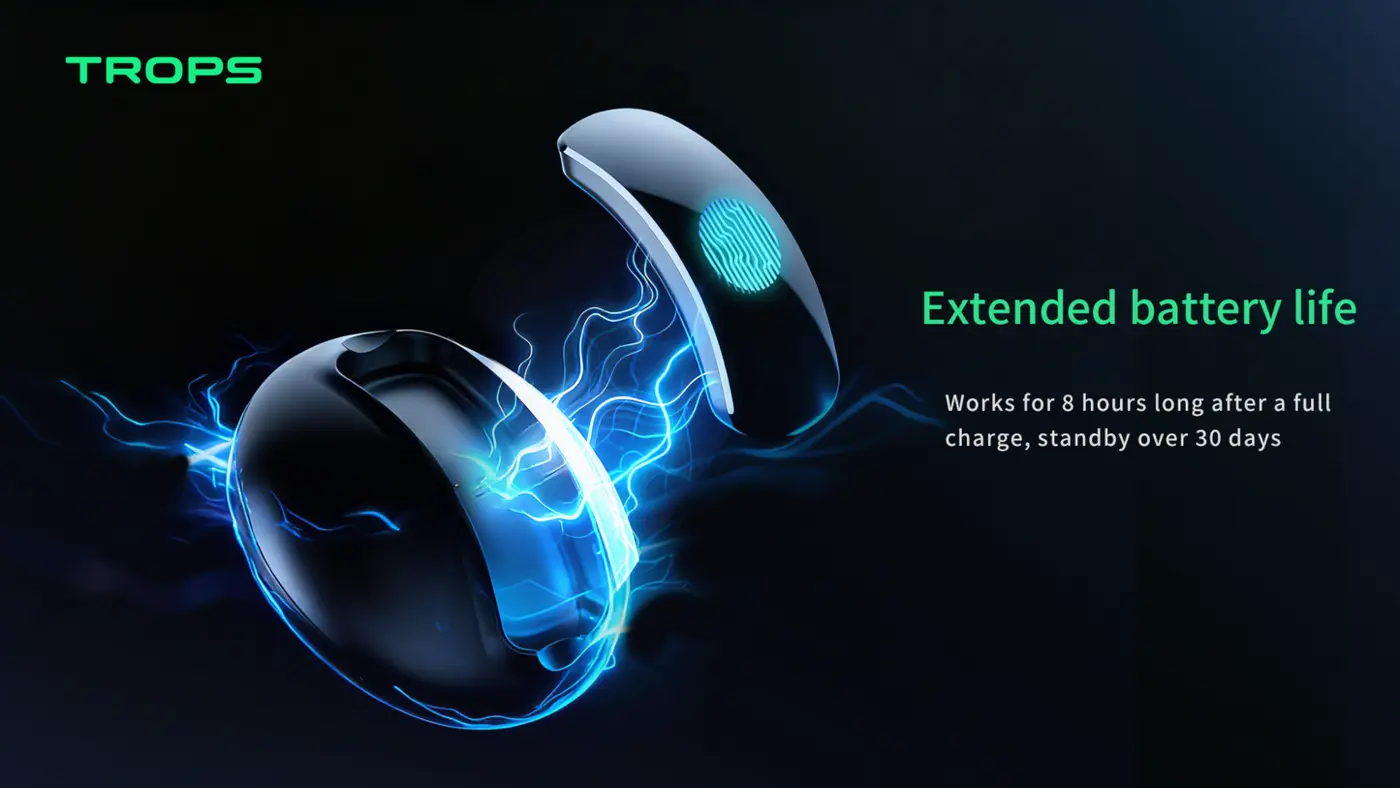
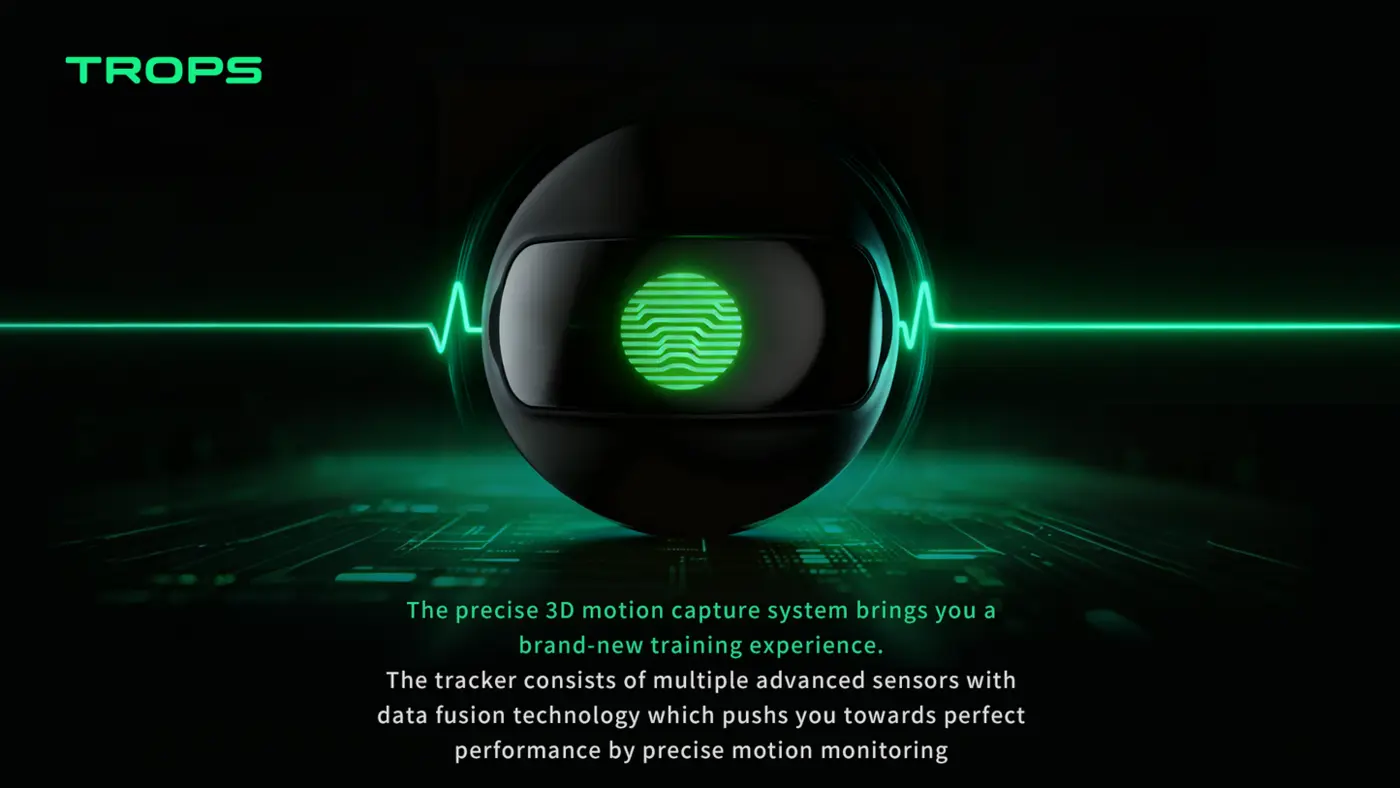
Youth coaches have limited time, so the hardware and software should disappear into the session. Look for a sensor that is light enough for young players to forget they are wearing it, a battery that covers a full training evening, and a platform that produces a one-page report rather than a data dump. The TROPS-1 is a 25 g foot-worn sensor with a 9-axis IMU sampling at high-rate, a rechargeable battery (capacity in the datasheet), Bluetooth 5.0 and IP66 protection, worn in a ankle and compatible with iOS and Android. It measures touches, shots, strike quality, left/right foot balance, sprints, top speed, distance, accelerations and decelerations, and training load.
For academies and schools running multiple age groups, the RunSports Team Platform adds a cloud dashboard with per-player and per-team reports, technical KPIs, load tracking, trends and video sync. The Academy Bundle combines sensors, platform and onboarding for squads of 10 to 100+ players. If you are comparing options, our buying guide for football data tracking equipment covers the questions to ask before committing.
A Simple Rollout Checklist
- Choose one question per age group for the first month.
- Brief players and parents on what is measured and why.
- Track three to four weeks before drawing any conclusions.
- Review data before sessions, not after the season.
- Keep feedback individual, short and positive at U12; add load context at U15; add selection and position context at U18.
Distributors and clubs standardising equipment across age groups can request samples (minimum 10 units) or discuss OEM options (minimum 100 units) through our contact page. You can also reach us on WhatsApp at +86 180 2288 2382.
Keep the Coach in Charge
Data does not pick the team, design the session or motivate the player — the coach does. The numbers simply remove guesswork from the decisions you were already making. Start with one question, one report and one drill change per week, and the habit builds itself.
Ready to bring tracking into your age groups? Request a coaching demo pack and we will help you choose the right setup for your club, school or academy.
Recommended for your program
Frequently asked questions
How should a U12 coach introduce GPS tracking without adding pressure?
Keep it to two numbers, distance covered and sprint count, and frame them as personal challenges against last week's version of the player. Share feedback individually in a two-minute huddle, one sentence per player. Avoid leaderboards, letting numbers decide who starts, or sending raw reports to parents without context.
What is the simple load-management rule for U15 players?
After three to four weeks of tracking, each player has a personal monthly average as the reference point, not the team average. If a player's weekly load jumps more than 30% over that average, lighten the week by reducing high-speed volume, adding technical work, or giving a recovery-focused role in small-sided games.
How can U18 coaches use data in selection and player reviews?
Data gives selection conversations structure when two players are close: who covers more ground in the role, who repeats sprints later in matches, who is consistent week to week. Build simple position reference ranges for sprint count, top speed and distance, and pair numbers with video in post-match reviews so players see the tactical point faster.
What is a quick pre-session routine for turning data into session design?
Open the team report and scan average distance, sprint count and load trend. Identify one player who needs more of something and one who needs less, then choose one drill modification, such as a bigger pitch for more sprinting or a smaller grid for more touches. Write it on the session plan and check after whether the numbers changed.
Need help choosing the right equipment?
Talk to Our Export TeamRelated Reading
What Is a Soccer Foot Tracker and How Does It Improve Youth Training?
A practical guide to soccer foot trackers: how IMU sensors measure shots, sprints and foot balance, and how academies use the data in daily training.
Read →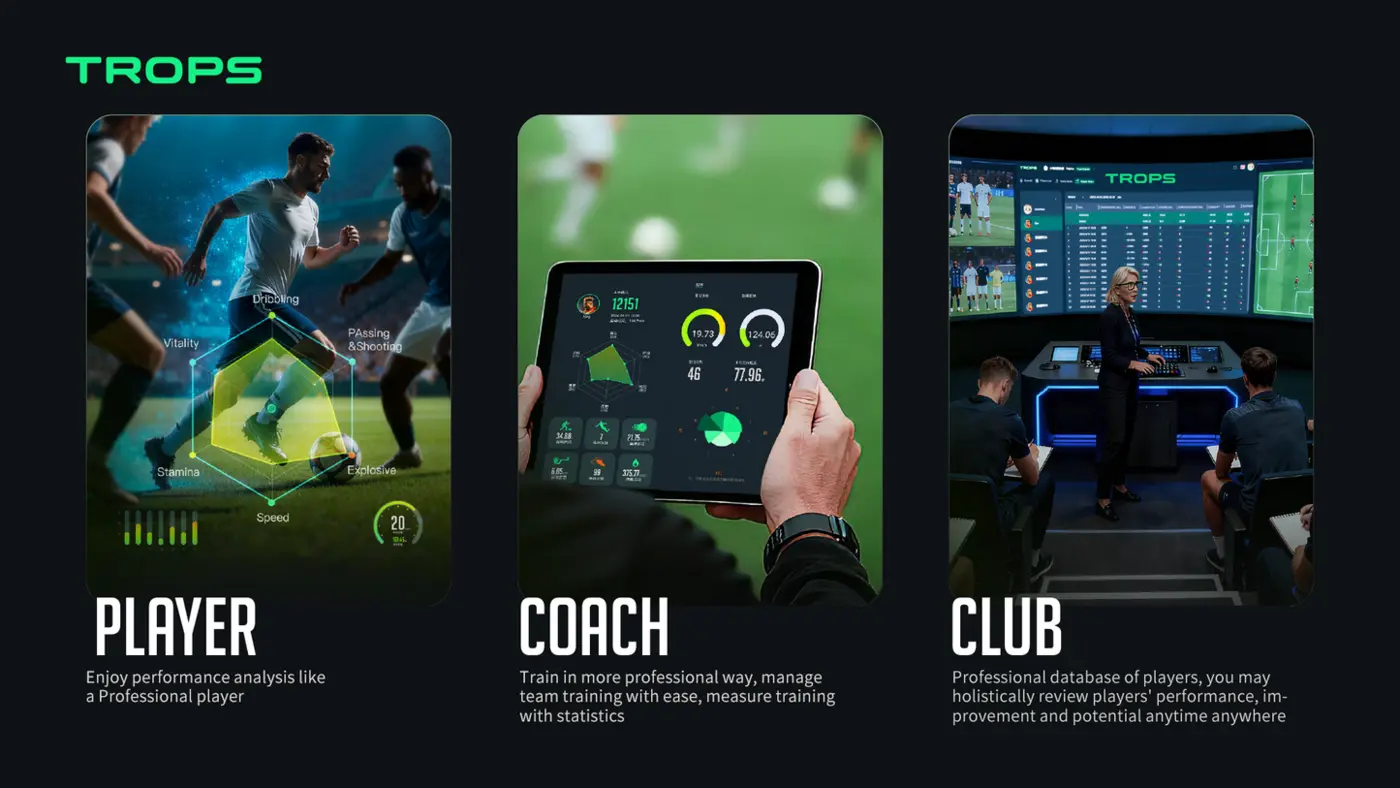
How Wearable Sensors Help Football Academies Develop Players Faster
How football academies use wearable sensors to give objective technical feedback, manage load and fatigue, communicate with parents, and scale player development across squads.
Read →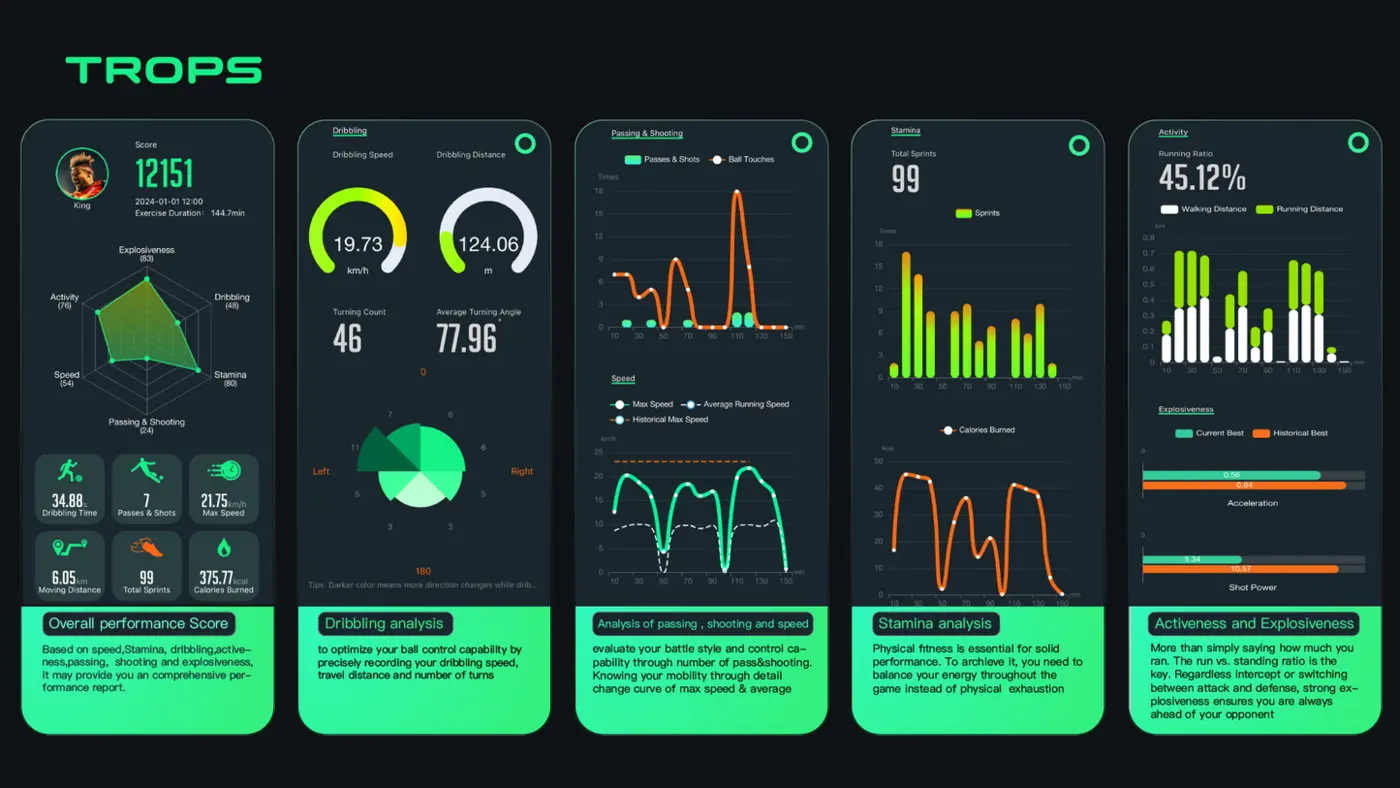
Buying Guide: What to Look for in Football Data Tracking Equipment
A practical buying guide for academies, schools, clubs and distributors comparing football data tracking wearables — accuracy, battery, durability, software, MOQ and support.
Read →